Fine Art Photography, pinball, film, music, life hacks - this site is supported when you buy through links on our site
Smart Home Basics
Published
I was showing my neighbor my Home Assistant setup with all the home monitoring, sensors and controls. After just having returned from a long vacation, he was interested in the possibilities of a “smarter” home to check up on it while he is away.
He expressed interest in:
A new hobby that doesn’t require a lot of mess (he’s built a half dozen wooden boats, restored a vintage Jeep, does major home improvement project etc)
Peace of mind that the house is safe and secure when they travel.
So this blog post is dedicated to my neighbor and anyone else who is interested in smart home technology and how to get started.
What is a Smart Home?
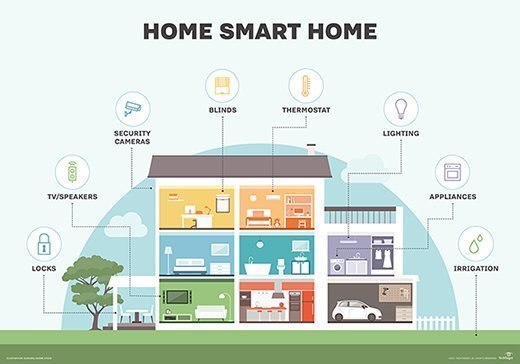
First things first – a smart home is a home that has “smart” features. Basically contains devices that can communicate with the home owner and sometimes with each other.
Smart devices can be controlled by an app on your phone, by a voice command or a regular old “dumb” press of the button.
Smart Devices
Smart devices can be plugs/outlets, switches, sensors, applicances or even a light bulb. Right now my neighbor has one smart devices in his home – a temperature sensor that sends to the temperature reading to his phone.
Here are some examples:
Temperature/humidity sensor
Smart light switch
Smart plug
Smart outlet
Thermostat
Smart garage door opener
Smart speaker
Smart air purifier
A smart light bulb
Controlling Smart Devices
Smart devices typically come with an phone app from the manufacturer to set the device up. Once installed and hooked up to your homes network (Wifi), you can control the devices a number of ways.
For example a smart plug could be controlled by:
A button on the device
An app on your phone
A voice command to an Alexa smart speaker
Through some automation you set up
Types of Smart Devices
Smart devices come in a variety of configurations. There are smart devices that connect via WIFI and there are other ones that use Bluetooth or Z-wave to connect to a hub which then connects to WiFi.
Hubs are usually zigbee/zwave device that don’t eat up and clutter your wifi bandwidth. Hubs also provide more features in the automation side.
If you are going to install a lot of smart devices, you might consider Zigbee or Zwave devices to save bandwidth on your network. But if you are only installing a few devices, you might want to just stick with Wifi ones.
Controlling Your Smart Home
My neighbor currently has one or two devices in his home — temperature sensors. So at this point he is only concerned with checking the status of those two devices. He used the manufacturer’s app to get the information. Nothing complicated.
But as you add more smart devices, one will want to be able to monitor and control multiple devices from one place.
The possibilities include:
The manufacturer’s app
Google Assistant or Google Home
Amazon Alexa
Home Assistant
This is where compatibility comes in. Some devices from some manufacturers work well together while others don’t. For example I got a bunch of Govee smart plugs which work with Alexa and Google Assistant but they don’t work with Home Assistant (at least at this time).
The Manufacturer’s App
If you purchase a bunch of smart devices from the same manufacturer, there is most likely an app that can be used to control all their devices.
The drawback is that this app is unlikely to work with other manufacturer’s smart devices and there will be limited opportunities for automations between different manufacturer’s devices.
Most likely these apps will have to be downloaded when you first set up your first smart devices and then the second, third, forth…device will be added.
Examples of the smart apps:
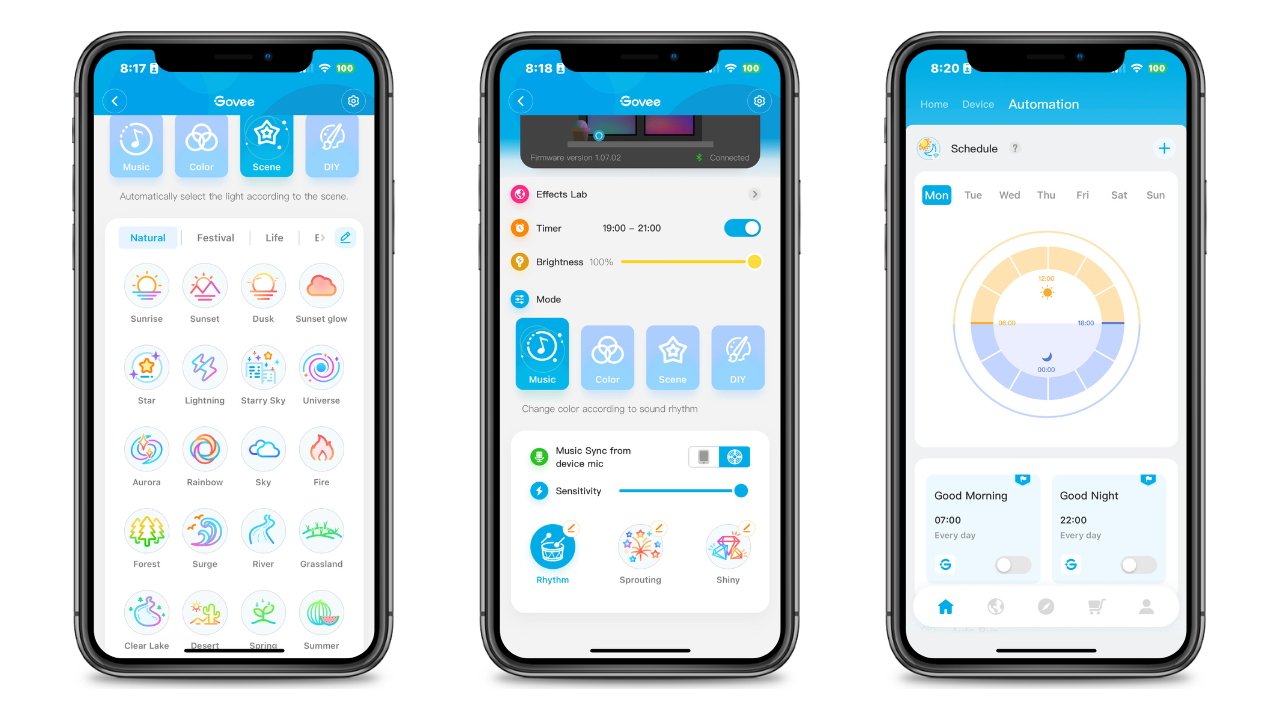
Govee Home – Govee sells smart plugs, thermometer sensors, a smart lights. Govee has a popular light of color changing light.
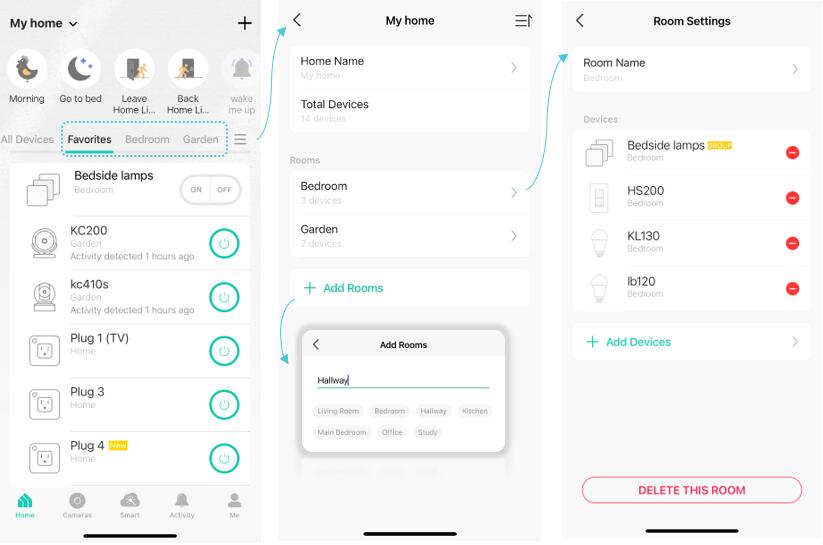
Kasa – Kasa from TP-Link sells smart plugs, cameras, light switches. Kasa is a solid brand for controlling lights, plugs and cameras.
KISS (keep it simple stupid)
So as you can see, choosing a brand that has an extensive array of smart devices, and buying only from that brand can keep things simple as you can use their app to control anything. One brand, one app keeps things simple.
It also makes it easier to create routines or automations which control multiple devices with one click, tap or voice command such as “Bedtime” when a tap shuts off all the smart lights in the house.
For example I have an automation that shuts off the TV, stereo and downstairs lights at 12 am, just in case anyone left them on. More on that later.
Alexa, Google Assistant and/or Home Assistant
Alexa, Google Assistant and Home Assistant are all ways to communicate with smart devices across manufacturers using a single app.
And to communicate via voice – “Alexa, turn on the bedroom light” or “Hey Google turn off the TV”. Home Assistant is new to the voice control game but it is possible now.
Most smart devices will say they are Alexa, Google Assistant compatible and a smaller subset will mention similar apps like Apple Home Kit or Home Assistant.
While Alexa, Google Home, Apple Home Kit work from your phone, Home Assistant is a different animal. It’s a powerful open sourced way to bring all kinds of different aspects of a smart home into customizable “dashboards” that can be displayed across all your devices – computers, tablets and phones.
Home Assistant is a client (phone, computer, tablet)/server system. The server runs all of the background data processing like automations and serves the results to the dashboards that shown on the client devices.
The server that holds the Home Assistant software can be an old computer, mini computer, a Rasberry PI or the simplest way to set it up is to buy a preconfigured “Home Assistant Green” device that is pluged into network via your router.
Home Assistant can be endlessly customized with different looking dashboards customized for your home, complex automations, scenes and integrations with all sorts of devices, web pages, and data streams.
For example I’ve used Home Assistant to control my whole house music system (integrated with a WIIM streamer hooked up with the whole house amp), I can pull up music from my media NAS, Internet radio, display my security camera stream, control lights, create “scenes” like “Home Theater” where it turns on some outlets and some lights and turns off noisy things like fans, create automations – like I have one that uses the video doorbell person detection and then turns on an entry light for five minutes. I have dashboards that display weather and power outages. Another one that displayes streams from news stations pulled from the web and one that monitors my solar production and electricity usage. There are endless possibilities to customize dashboards to monitor your home and run automations.
Alexa and Google Assistant are by far the two systems that manufacturer strive to work with as they are the most popular smart “unverses”.
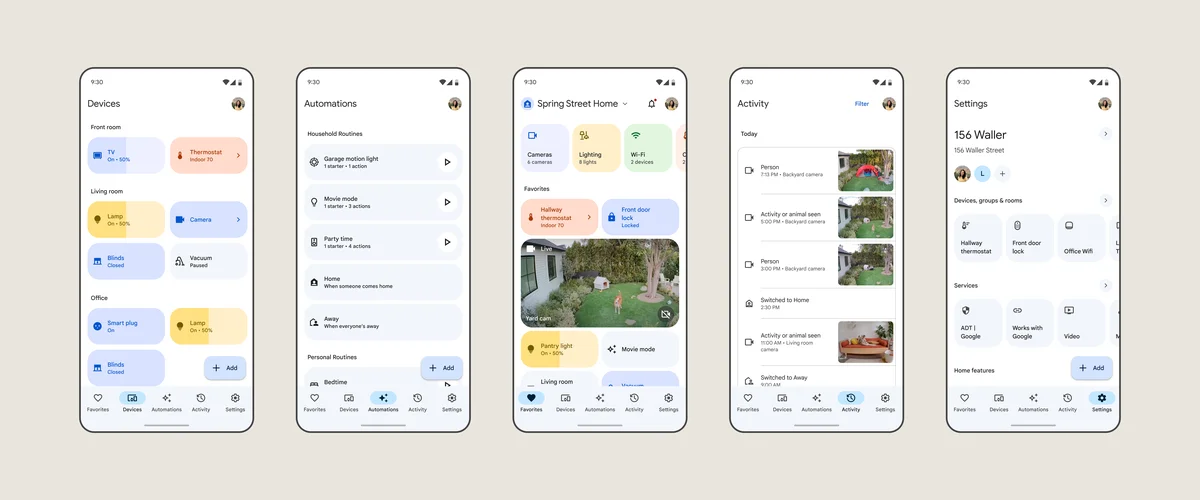
Alexa/Google Assistant both have a free app that can be used like the smart manufacturer apps but will work with all the smart devices hooked up into the network.
Alexa/Google Assistant also add voice control if you purchase one of their smart speakers so you can say “Hey Google, turn on the bedroom light” or “Alexa, turn off the fan” Plus you can use them to add music around your home.
With these apps you can group smart devices by room and set up some automations.
Google Home app:
Alexa App:
First Steps
Before you can start building a smart home you need some smart devices. Figure out your goals and desires for your home. Do you just want to control a few lights? Do you want to monitor your home from afar? Do you need cameras to keep an eye out for packages?
Here are a couple of examples:
Simple Light Control
For my elderly mom’s apartment in Florida I wanted her to be able to control a few lights without getting out of bed and be able to listen to some music. So I got her the following:
Above: Typical smart plug. Note the manual button on the side in case you want to control it manually.
Regular old table lamps are plugged into the smart plugs so she can walk in the door and say “Alexa turn on the LIVING ROOM LIGHT” or “Alexa turn off the BEDROOM LIGHT”
She never even uses an app. Everything is controlled by voice.
Smart outlet – top and bottom plugs can be controlled independantly
Smart lightbulb – the lightbulb contains WIFI control and can change colors for mood or to indicate some condition.
Smart switch – typically limited to a single pole swich
Smart lamp – a floor or table lamp with smart features built in
Home Security Package
For a basic home security package I’d suggest a smart doorbell, some lights that can set come on at various times to make the house look “alive” and a smart thermostat to monitor and control the temperature. You will want to See, Monitor and Do things.
Most people start with a smart thermostat. Often these can be obtained at a discount through your state’s energy saving programs.
In our neighborhood people rely on a combination of heating systems – wood stoves, pellet stoves, oil, propane, heat pumps. You can’t always rely on a single thermostat to control everything. But when on vacation, typically there is one heat source in use.
Now mini-splits or heat pumps present a special challenge as they are often controlled by a remote that acts as the thermostat.
In my case I have two mini-splits by two different manufactures. One, the Fujitsu, came with a very basic app control the other, a Misubishi heat pump did not.
There are two ways to control mini-splits smartly:
One thing to consider is some of these controls provide a duel purpose. You could buy a temperature sensor for $60 or buy this Sensibo AC controller for $124 and it controls your AC AND provides a temperature sensor.
Some of the cameras also provide temperature sensors.
I haven’t installed smart controls for my heat or AC at this point simply because someone is typically at the house all the time. On vacations we might have a dog sitter or just turn everything down. If you are commuting to work and leaving an emply house behind, then it certainly makes sense to invest in a smart controller.
I have a Fujisu heat pump in the masterbed room that can be controlled by an app called FGLair but the Mitsubushi heat pump in the dining room didn’t come with any remote controls installed.
Security Cameras
Security cameras have become very cheap. Indoor ones can be had for less than $20. Outdoor ones designed to handle the elements will set you back more and typically require batteries that will need to be swapped out.
You have to beware of some cameras that require a subscription to your data. Most come with an option to save date locally on an MicroSD card.
And you might want to think ahead and consider if you add more cameras in the future you’ll probably want them all from the same brand so they play nicely together.
Some cameras will allow real time streaming while others will only be active when the app is being used or when motion is detected.
The “momentary” cameras are typically over Wifi while the constantly streaming ones are hardwired to the network via a network cable. Outdoor cameras will most likely be WIFI unless you can run power and a network cable to them.
For example, I wanted constant monitoring of my front door so I could keep an eye on the dog. So I got a PoE (power over internet) door bell camera. This required me to run a network cable from the basement where my router is located, though the wall and under the molding around the door. But now there are no batteries to change and the streaming is constant. I can spot when the dog is done and ideally before he scratches the door too much.
Cameras like this one from TP-Link (they have a Tapo line and a Kasa line – same manufacturer) has pan and tilt capabilities and the video can either be stored locally on a micro SD card or via a cloud service (expect to pay for cloud storage). It also has a two way siren, night vision and is compatible with Alexa and Google Assistant – all for under $20. TP-Link Tapo 2K Pan Tilt Security Camera
Beyond the Home Security Basics
More advanced security measures might include controlling who can open the front door (dog sitter or neighbor sent over to check on something), shutting off the water remotely in case of a leak detection and sensors on windows and doors.